
St. Lucie County VINE Connection
The county jail's inmate profile carries a "Victim Information & Notification" link to VINELink, the clearest tie between local bookings and VINE. Florida describes VINE as a free service. It is also confidential and multilingual. Coverage runs from county jails to anyone under Florida Department of Corrections custody or supervision.
VINELink answers one question. Is this person in custody? It will not hand you an arrest affidavit or a photo archive. Confirm identity and arresting agency in the jail profile first. Then let the alerts follow custody from there.
How to Check a Person on VINELink
Enter a name plus a birth date or age so similar people don't blur together, and trust the live labels.
- Search the official county jail roster using a partial first or last name.
- Compare full name, birth date or age, inmate ID, arresting agency, and booking timestamp.
- Follow the profile notification link or open VINELink, choose Florida, and select the appropriate county or agency when offered.
- Search by accepted name or identification number and review all possible matches.
- Open and register against only the correctly identified custody record.
The official VINELink interface provides the current search and registration controls.
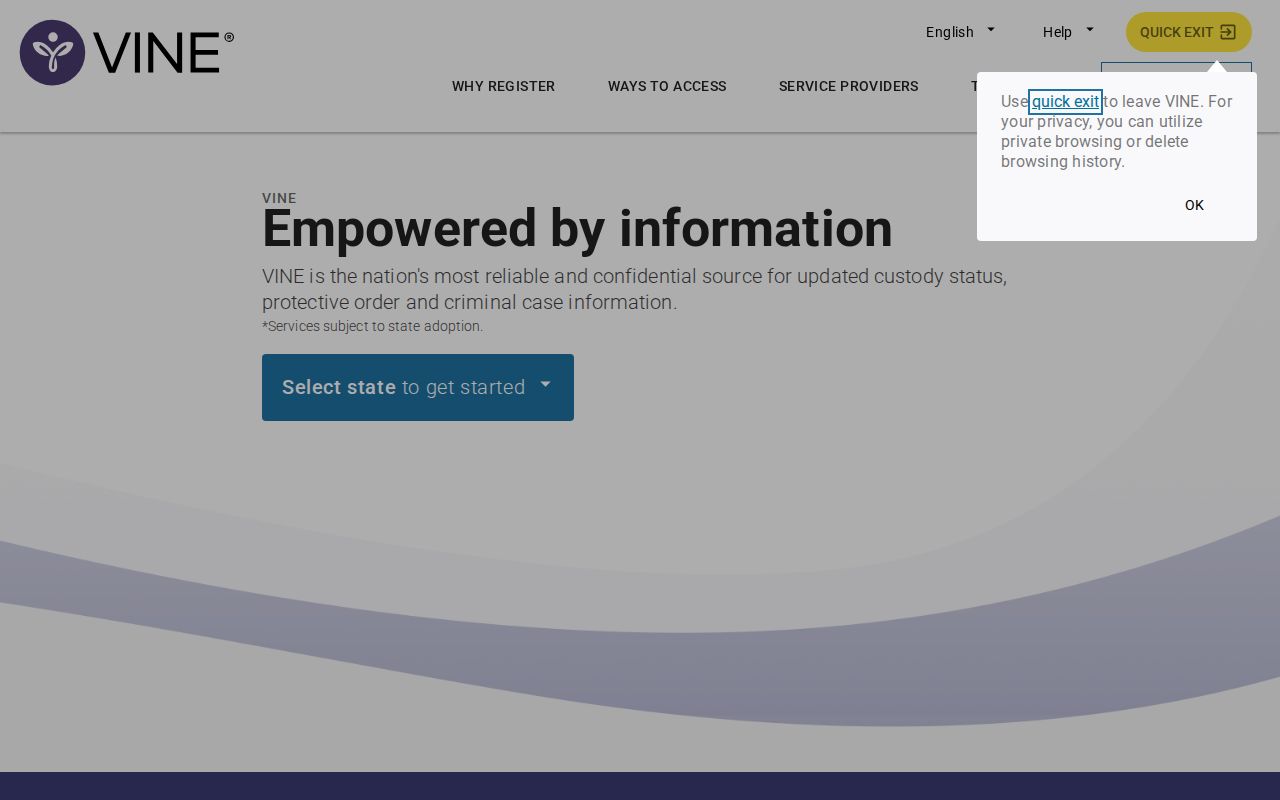
This is the service's front door, not an arrest gallery; use the live site for current Florida options.
What a VINELink Result May Show
Fields vary by agency. Treat them as custody clues and confirm the details at the source.
| Information | Use |
|---|---|
| Name and identifiers | Distinguish similar-name records. |
| Custody status | Understand whether the person is held, released, transferred, or under another supported status. |
| Agency or facility | Identify the custodian to contact directly. |
| Offender or inmate number | Support an accurate follow-up. |
| Notification options | Choose phone, text, email, TTY, or app when offered. |
| Custody event | Receive supported release, transfer, escape, death, or supervision-change notice. |
A release alert only means custody changed, and the case can continue. For filings and disposition, use the Clerk Court Case Search.
Register for Florida Custody Alerts
Alerts come by phone, text, email, TTY, or mobile app.
- Confirm the person and record before registering.
- Select an offered delivery method; use a direct telephone line rather than a switchboard.
- Enter the phone number and create a four-digit PIN. More than one number may use the same PIN.
- Select available release, transfer, escape, death, or supervision events.
- Enter the PIN when a call arrives to acknowledge it. Calls may repeat every two hours for up to 48 hours or until acknowledged; texts and emails do not repeat the same way.
Call Florida VINE at 1-877-846-3435. A live operator answers 24 hours a day. Anyone may register directly, and no FDC victim form is needed just to use an available jail record.
Florida DOC Notification Differences
The FDC Victim Notification Request form is a separate state channel. It covers release, transfer, escape, death, and court-related notices. Submitting it adds a qualifying request to FDC's database and VINE. Direct VINELink sign-ups stay private. The FDC Victim Services Unit never sees them.
For state records, try the FDC Offender Search. It lists inmates, releases, supervision, escapes, and absconders. Use FDC for state correctional records and VINE for alerts, since a fresh county booking may not belong in an FDC database.
VINELink Limits and Verification
A new arrest can take time to appear. The SLCSO roster updates periodically, with no promised interval. Intake and data entry can add unknown lag between arrest, booking, roster display, and VINE availability.
Missing a new booking? Follow the Daily Arrest Report instructions and recheck the live roster. A vanished record may just mean release. Check the 48-hour release report, the arresting agency, and official records.
Federal custody sits elsewhere. The Bureau of Prisons runs its own locator, and U.S. Marshals pretrial custody plus ICE detention use separate systems. Follow the newly named custodian after any transfer rather than a stale county entry.
Custody Alerts, Not Booking Feeds
The sheriff's office lists no booking-photo app. Its responsive web roster is the official county search. Visitor-video and SmartInmate services handle visits and messages, not public booking feeds.
ALERT St. Lucie and sheriff social accounts share broader public information. FPPD's weekday blotter is selective. PSLPD's PIO updates differ too. None match one-person custody notification.
For full roster, record, photo, and court routing, use the county recent-arrests hub, plus the Weekly Arrest Log for multi-day context. VINELink stays fixed on one custody record and its supported alerts.
From the County Profile to VINELink
Start with the county inmate profile. It ties the local custody record straight to "Victim Information & Notification." Before clicking, match the inmate ID, birth date or age, arresting agency, booking date and time, charges, and release fields. Names repeat in a county this size. Those details separate the right person from a near-duplicate. The profile also confirms county custody, and the arresting-agency field shows who holds the initial affidavit.
The official St. Lucie County inmate profile contains the VINELink handoff. The page shows where booking details meet notification access.
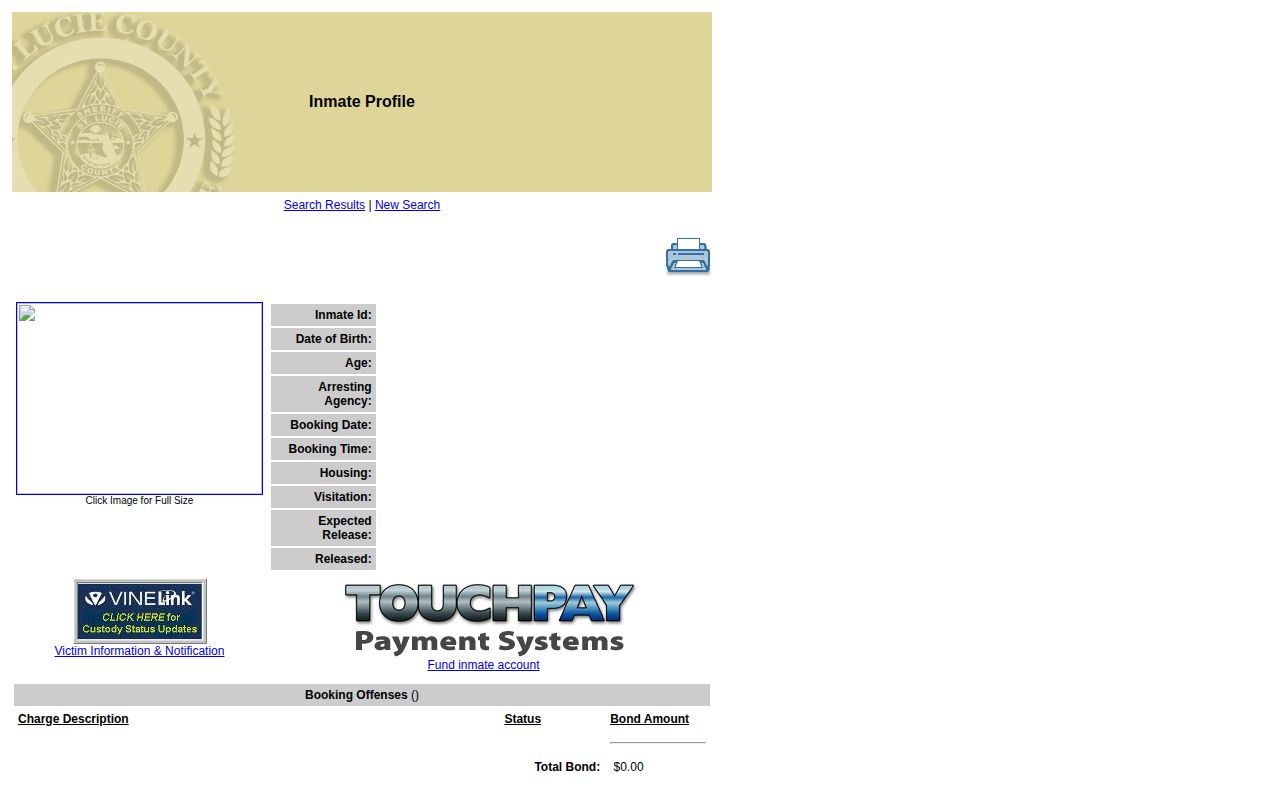
Open a current result through the live roster. Endpoints depend on the record you pick. Custody data shifts constantly.
Profiles don't last. The roster shows current inmates through five days post-release, though an agency report or court case may still exist. The Sheriff ties online photo availability to incarceration when queried. VINELink tracks supported custody events rather than saving the booking profile, and the Clerk keeps the court-case context instead.
Verifying Multiple Search Matches
A shared name alone proves nothing. When several results appear, compare every identifier the county profile offers, because age, birth details, inmate number, facility, agency, and custody category make a far stronger match. Conflicting details mean no registration. They also rule out guessing at a transfer.
If nothing matches, recheck the spelling and the Florida, county, or agency selection. A fresh arrest can lag before VINE shows it. Search the St. Lucie County roster again. For confirmation that matters, call the jail at 772-462-3450. An arrest report can also exist without a VINE record whenever the person never entered St. Lucie County Jail custody.
Skip unofficial aggregator images as identifiers. Photos can be old, copied, or tied to another event; the arresting agency's record and the Clerk case search provide documentary confirmation.
Phone PIN and Acknowledgement
The four-digit phone PIN answers an automated VINE call. It is not an inmate identifier or a jail password. Automated calls can repeat every two hours for up to 48 hours. They continue until the PIN is entered. Text and email alerts do not work that way.
Give a direct line rather than a switchboard. Keep the PIN private so nobody acknowledges a call by accident. More than one number can share the same PIN. Check voicemail and call-screening settings that might suppress the automation. TTY and app options appear in Florida materials too.
Entering the PIN confirms receipt only. It verifies neither personal safety nor custody. Record the event and contact the named facility through an official number when safety is at stake.
Direct Registration and FDC
Anyone can register directly on VINELink when an eligible record exists. A county-jail user skips paperwork. The Florida Department of Corrections Victim Notification Request form is not required merely to register, and direct registration details never reach the FDC Victim Services Unit.
That form serves state-corrections victim notification instead. It can add a qualifying request to the FDC database and VINE, covering state incarceration, release, supervision, and victim services rather than every county booking. FDC Offender Search verifies the state record. VINE supplies the alerts.
Custody can shift from a St. Lucie County jail to release, another agency, FDC, or federal authority. Release is not dismissal. Transfer is not freedom. Confirm with the new custodian, since BOP, ICE, and U.S. Marshals systems sit outside VINELink's federal coverage.
Safety Planning Beyond Alerts
VINE should be one part of a safety plan. Keep emergency contacts handy. Keep safe locations, transportation, and official phone numbers available without leaning on a single device. A second permitted notification method softens the blow of a lost phone, a full inbox, or a delayed alert.
Verify any release, escape, or transfer notice with the responsible agency. Call 911 for immediate danger. VINE operators help with the service, but they cannot dispatch police, interpret court orders, give legal advice, or guarantee protection. Court conditions are different. The court, Clerk, counsel, or a supervising authority handles those.
Guard your registration details rather than republishing custody information as proof of wrongdoing. Official data can lag or contain errors.